CMS Implementations Deck
Section: Training (10 slides)
- The images will load as you scroll to them. If you scroll too fast, you might get ahead of the loading.
- The permalink goes to the single page for a slide with “Prev” and “Next” links. It's suitable for bookmarking or sharing.
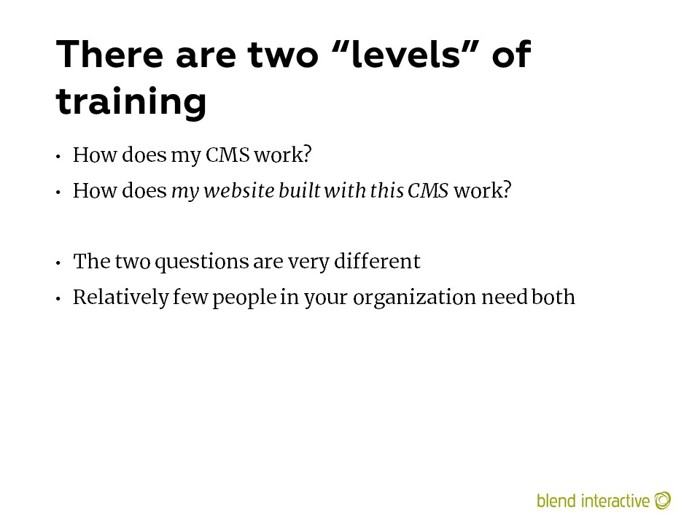
You’ll have admins and “power editors” that need to be experts in the underlying CMS. But most CMS users can just be trained in their specific discipline or work process.
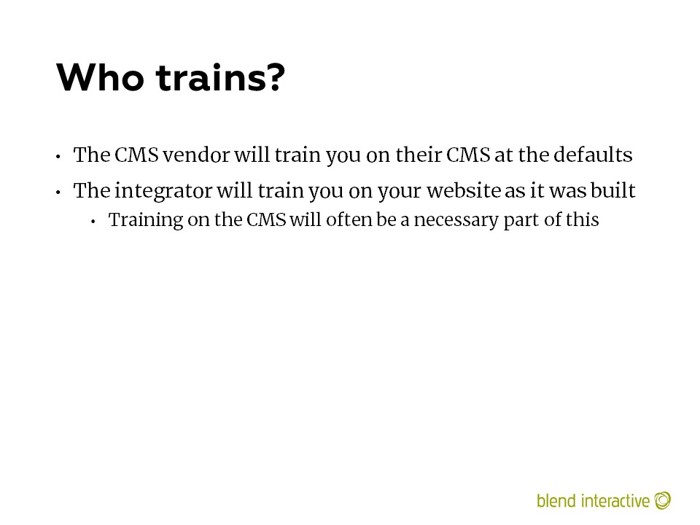
Only the integrator can train you on what they build. Like with support (discussed later), the vendor has no idea what the integrator did once the product was sold and went out the door.
I think that content migration is a good training opportunity. Don’t train people after migration.
I maintain that the #1 reason organizations would spend six figures on a project was because, “Our editors hate our CMS.”
Try to make them not hate it and save yourself some money down the road.
Understand that documentation goes stale very quickly. You need “living documentation,” that changes as the site evolves over time.
I can count on one hand the number of times I’ve written any documentation for a services engagement. No one wanted to pay for it. The most we ever did was a few wiki pages and some walkthrough videos.
We were willing and able to provide it, but it costs money to develop. We always gave customers the choice.